Building the Lucido AI Toolbox: Practical AI Interfaces Without the Setup Overhead
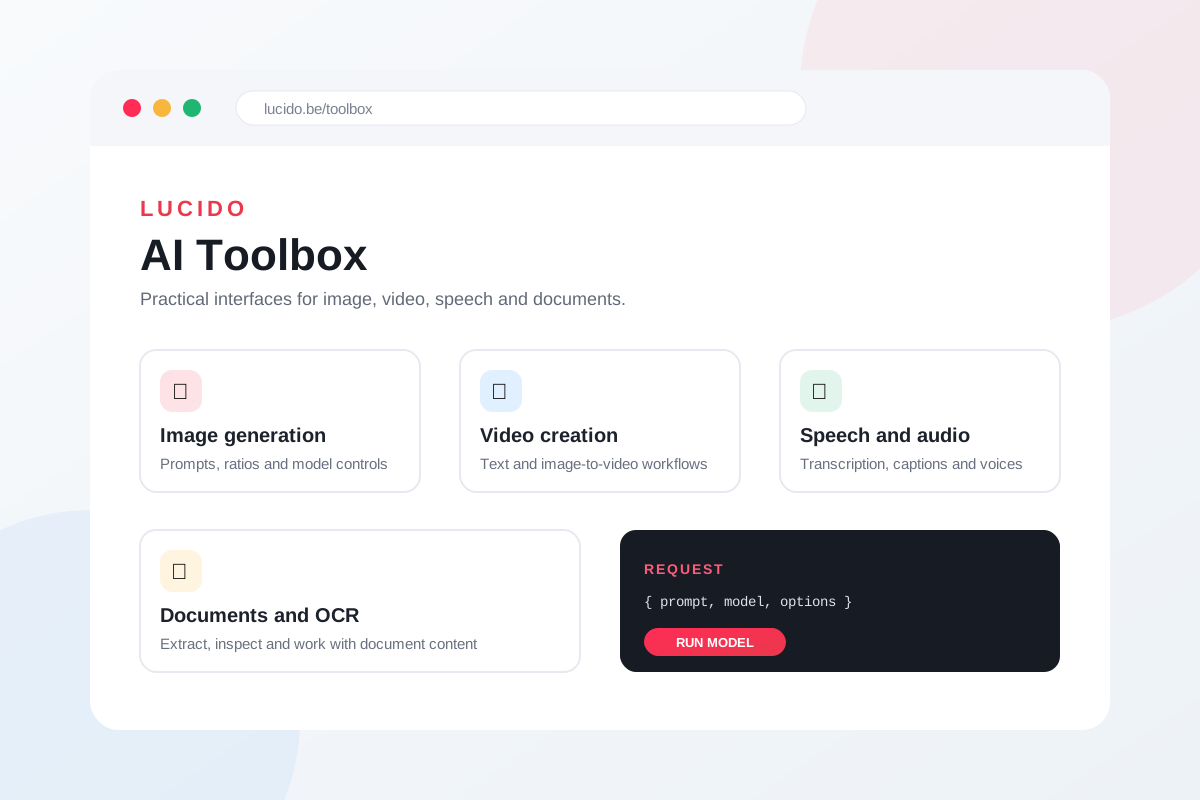
The Lucido AI Toolbox is a collection of focused browser interfaces for working with modern AI models. It covers image generation and editing, video, speech, transcription, OCR, and document understanding without asking visitors to assemble a new project or command-line workflow for every experiment.
Each interface has one clear job. The useful model controls are visible, request data can be inspected, and outputs can be previewed or downloaded in the same place. The result is a practical workbench for learning what a model can do and deciding whether it belongs in a real workflow.
From Scattered Experiments to One Discoverable Home
Model demos often begin as small standalone pages. That is useful at first, but a growing collection quickly becomes difficult to find, compare, and maintain. The Toolbox brings those interfaces together under clean, predictable routes with a shared Lucido header and a searchable overview page.
Visitors can move from an image editor to a video generator or transcription tool without learning a new navigation system. At the same time, every tool keeps its own focused controls instead of being squeezed into a generic interface that hides important model differences.
Every Model Gets the Controls It Needs
A useful model interface needs more than a prompt box. Depending on the model, the Toolbox exposes aspect ratios, resolution, duration, seeds, reference files, safety settings, prompt expansion modes, voices, and output formats. Payload previews and progress logs make the request easier to understand and troubleshoot.
This approach makes the interfaces useful for both quick experimentation and more deliberate evaluation. A visitor can begin with sensible defaults, then adjust the exact options that influence quality, cost, speed, and creative freedom.
Built to Stay Lightweight
The project uses static HTML, CSS, and vanilla JavaScript. That keeps each page fast, portable, and easy to inspect. Shared styling and navigation create consistency, while individual tools can still include the model-specific code they require.
Clean public routes, canonical metadata, structured data, sitemap generation, and an LLM-readable content layer make the collection discoverable beyond the visual interface. Automated deployment keeps the distance between a useful new tool and a live public page short.
API Access Stays With the User
Tools that require credentials let visitors provide their own API key in the browser. Where persistence is helpful, it is an explicit browser-side choice. The interfaces explain what is stored and provide a direct way to clear it, keeping access understandable and under the visitor’s control.
A Practical Proving Ground
The Toolbox is both a usable product and a way to evaluate emerging capabilities through real interaction. Instead of judging a model only by a launch post or benchmark, you can work with its actual inputs, wait for its output, and see where it fits. That practical feedback is what turns model access into product insight.